Quick Start Guide
vlayer dashboard
Get started at the vlayer dashboard. This is where you manage your account, monitor proof usage, and access your API keys for server-side proofs and ZK proofs.
Free plan
We're launching with a free plan that includes:
- Unlimited web proofs
- 1,000 ZK proof vgas units per month
Service Availability: The ZK Prover Server is currently turned off and not publicly available, so ZK proof vgas units cannot be used at this time. If you would like to use it, please contact vlayer support at support@vlayer.xyz.
The free trial is valid for one month, after which your allowance expires. There is no self-serve paid upgrade at launch — once you reach your limit, contact our sales team to continue.
API keys
All requests to the vlayer Web Prover API are authenticated using a single API key issued from the vlayer dashboard.
Creating API keys
- Sign in to the vlayer dashboard
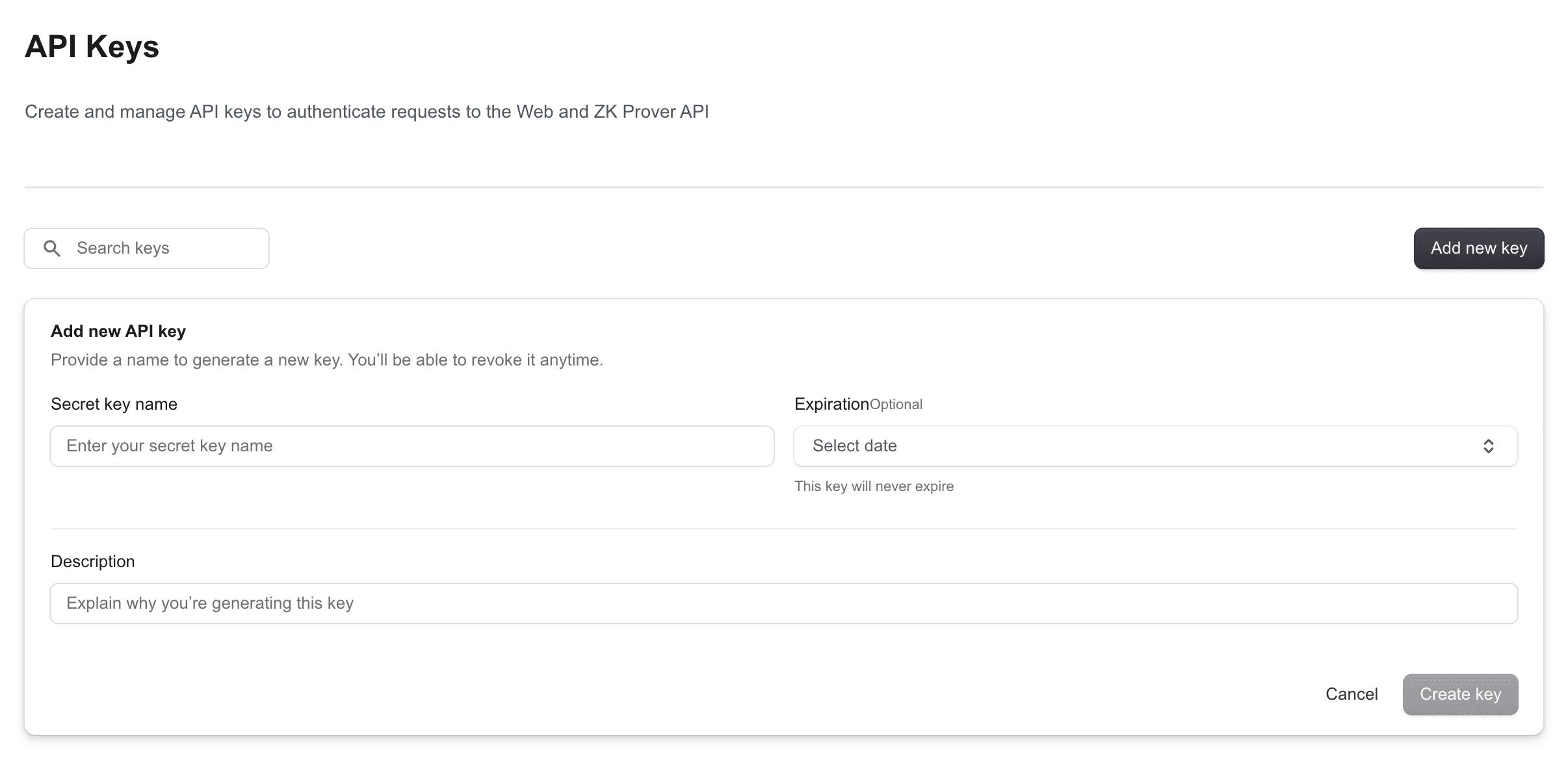
- Navigate to the API Keys section
- Click Add new key and give it a name
- Copy the key value — it is only shown once
Using API keys
Add your key to a .env.local file in your project:
WEB_PROVER_API_KEY=ak_your_key_valueThen pass it as a Bearer token in every request to the vlayer API:
const headers = {
  'Content-Type': 'application/json',
  'Authorization': `Bearer ${process.env.WEB_PROVER_API_KEY}`,
};
Example use case
Prove a Binance price feed (server-side)
Cryptographically prove the current ETH/USDC exchange info from Binance's public API:
// app/api/prove/route.ts
const response = await fetch('https://web-prover.production.vlayer.xyz/api/v2.0', {
  method: 'POST',
  headers: {
    'Content-Type': 'application/json',
    'Authorization': `Bearer ${process.env.WEB_PROVER_API_KEY}`,
  },
  body: JSON.stringify({
    url: 'https://data-api.binance.vision/api/v3/exchangeInfo?symbol=ETHUSDC',
    headers: [],
  }),
});
Never include your API key in client-side (browser) code. Always call the vlayer API from a server-side route to keep your key private.